ON/OFF Boarding Management Module
The first day, ready before they arrive.
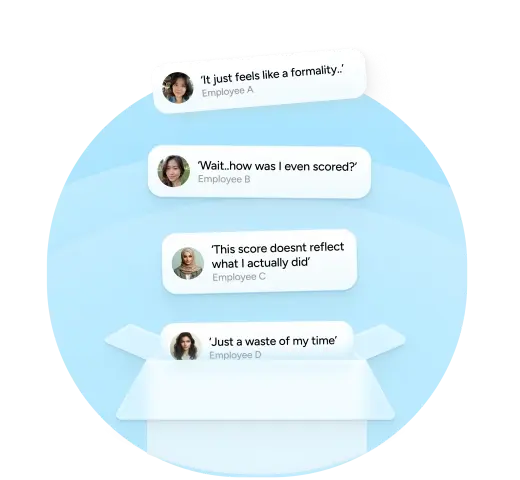
Most first days are organised by accident.
The same gaps show up in reverse.

Meet Worksy’s ON/OFF Boarding Management Features

Pre-Arrival HR Notification
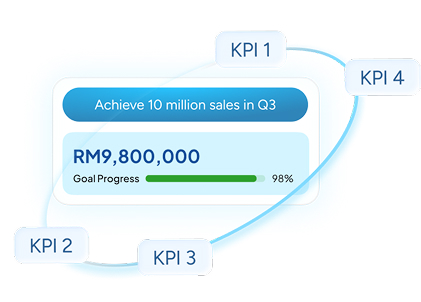
IT Asset and Software Tracking
HR Asset Tracking
Documentation Acknowledgement
Point-of-Contact Assignment
Onboarding Checklist

Day one, sorted before it starts.
- HR walks into the first day prepared, not scrambling
- Asset records are accurate from the start, with no reconciliation needed later
- Compliance documents are acknowledged and stored against the employee record
Experience Worksy’s ON/OFF Boarding Management Workflow
HR teams across Malaysia already work this way.








Frequently Asked Questions
- Do we need to create the onboarding process manually for every new employee?
No. HR can create reusable Onboarding Templates containing tasks, documents, assets and other onboarding information, then assign the relevant template to new or existing employees.
- Can different onboarding tasks be assigned to HR, IT or other PICs?
Yes. Each onboarding task can have its own Task PIC. Asset, software and other assigned tasks will automatically appear in the PIC’s Onboarding & Offboarding Task Centre for action.
- Can HR monitor whether a new employee has completed their onboarding?
Yes. The Onboarding Management screen allows HR to view employees under the All, In Progress and Completed tabs, together with their onboarding progress and status.
- Can employees also see their own onboarding tasks and progress?
Yes. Employees can access My Onboarding to view their assigned templates, completion percentage, tasks, due dates, documents, assets, important contacts and other onboarding information.
- Can Worksy track company assets or software assigned during onboarding and offboarding?
Yes. Assets and software can be assigned as part of the onboarding process. The PIC can record details such as the asset’s brand, model, serial number, assigned date and condition, along with software licence information. This information can then be referenced later during offboarding or asset return.